
Account
The Account page contains the settings and account controls that apply to your Deep End account and your current session.
Select Account from the upper-right corner of the tracker.

Account Basics
The Account page is separate from the poker-tracking areas. It is where you manage account-level settings rather than tournament, cash, or finance data.
The available account controls include:
- Change Password
- Appearance
- Session / Log Out
Changing Your Password
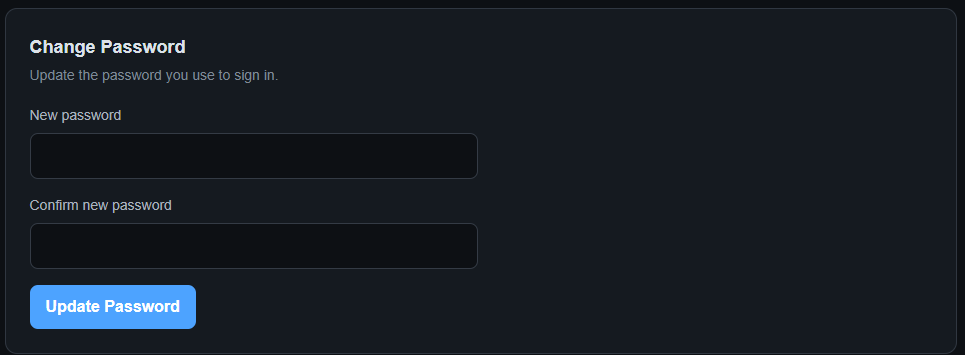
Use the Change Password section to update the password you use to sign in.
Enter the new password in New password, enter it again in Confirm new password, and select Update Password.
Appearance
The Appearance section controls how The Deep End looks.
Choose from:
- Dark
- Light
- System

System uses the appearance preference provided by your device or operating system.
Logging Out
The Session section provides the Log Out control.
Select Log Out when you want to sign out of The Deep End on the current device.

Logging out ends the current signed-in session. You can sign in again from the login page when you return.
Back to Tracker
Use Back to Tracker to return from the Account page to the main tracker application.
Tip: Account settings are separate from your poker data. Changing your password or appearance does not change your tournament, cash, or finance records.