
Sites & Buy-ins
Sites & Buy-ins is where you set up the poker sites and standard tournament buy-in amounts you use in the MTT Tracker.
This setup should be completed before you start logging tournament play. Once your sites and buy-ins are configured, logging a tournament becomes a quick selection rather than repeated data entry.
Adding a Poker Site
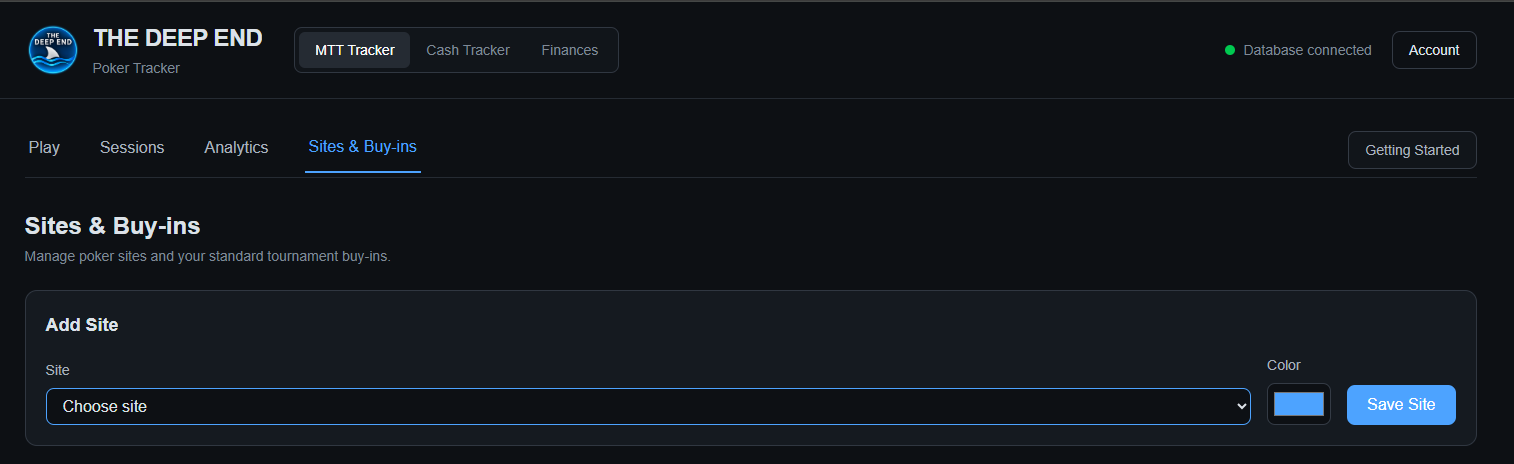
Open MTT Tracker → Sites & Buy-ins.
In the Add Site area, choose the poker site from the site selector.
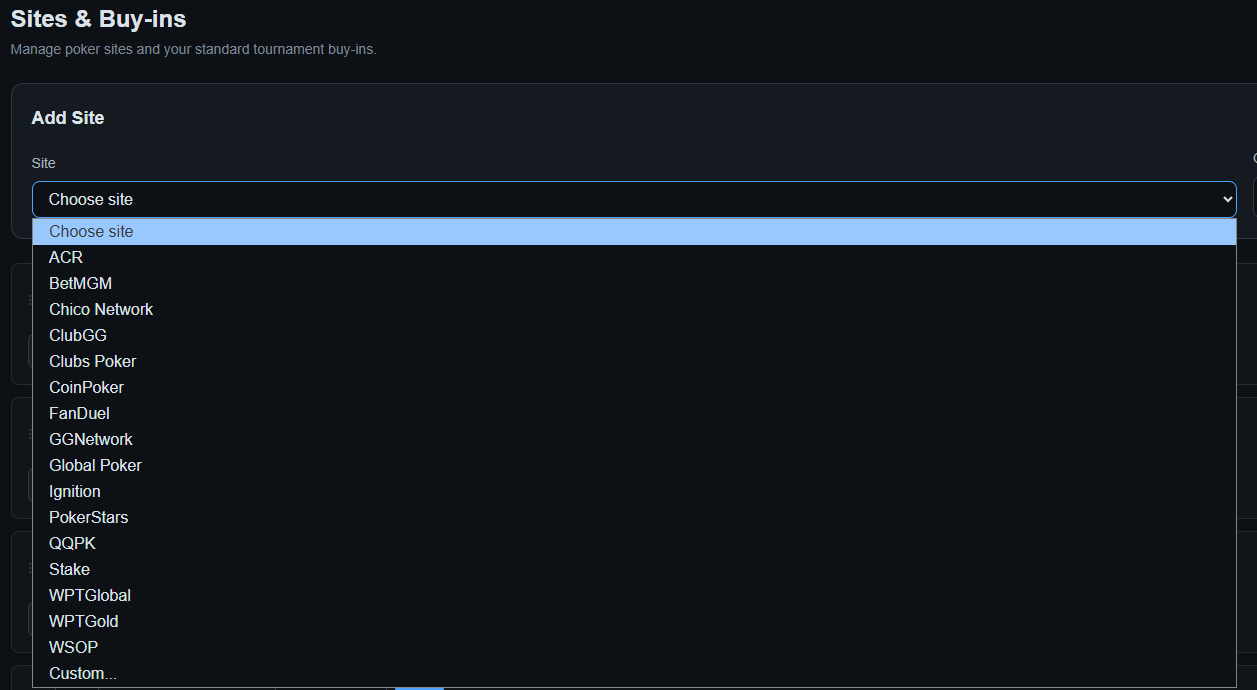
Select the site you want to add. If the site you use is not listed, choose Custom....
Choose the color you want associated with the site, then select Save Site.
Adding Buy-in Amounts
Once a site has been added, its site card includes a Buy-in field and an Add button.
Enter a standard tournament buy-in amount and select Add. The buy-in will appear as a chip on the site card.

Add each standard buy-in amount you expect to use at that site. The tracker keeps these amounts available for quick selection when you log tournaments.
Managing Buy-ins and Sites
Each saved buy-in appears as its own chip. Use the × on a buy-in chip to remove that amount from the site's list.
The site card also provides a Remove Site control for removing the site.
Important: Removing a site or buy-in changes the configuration used by the tracker. Make sure you are removing the correct item before deleting it.
Why This Needs to Be Done First
The MTT Tracker is designed around quick entry during actual play. Sites and standard buy-ins are configured once so that tournament logging can be reduced to selecting the appropriate site and buy-in.
If these are not configured first, you will not have the normal site/buy-in choices available when you begin logging tournaments.
Recommended setup: Add every site you currently play on, then add the standard buy-in amounts you commonly use. You can return here later whenever your tournament schedule changes.